




Table of Contents
ToggleRILEK77 Verification Guide: KYC, Security & Login Protection
RILEK77 account verification is a simple identity check that confirms who you are, that you are of legal age, and that your payment details truly belong to you. The platform uses it to keep accounts safe and block fraud. Verification usually happens at sign-up or before your first withdrawal, and since an unverified account often cannot cash out, finishing it early keeps your winnings within reach.
The documents requested may vary, but they often include a government ID and proof of your payment method. Send these only through the official site or verified support, never through random links. This guide covers how verification works, which documents you may need, why checks sometimes fail, and how to protect your login.
Last update: 2 August 2026
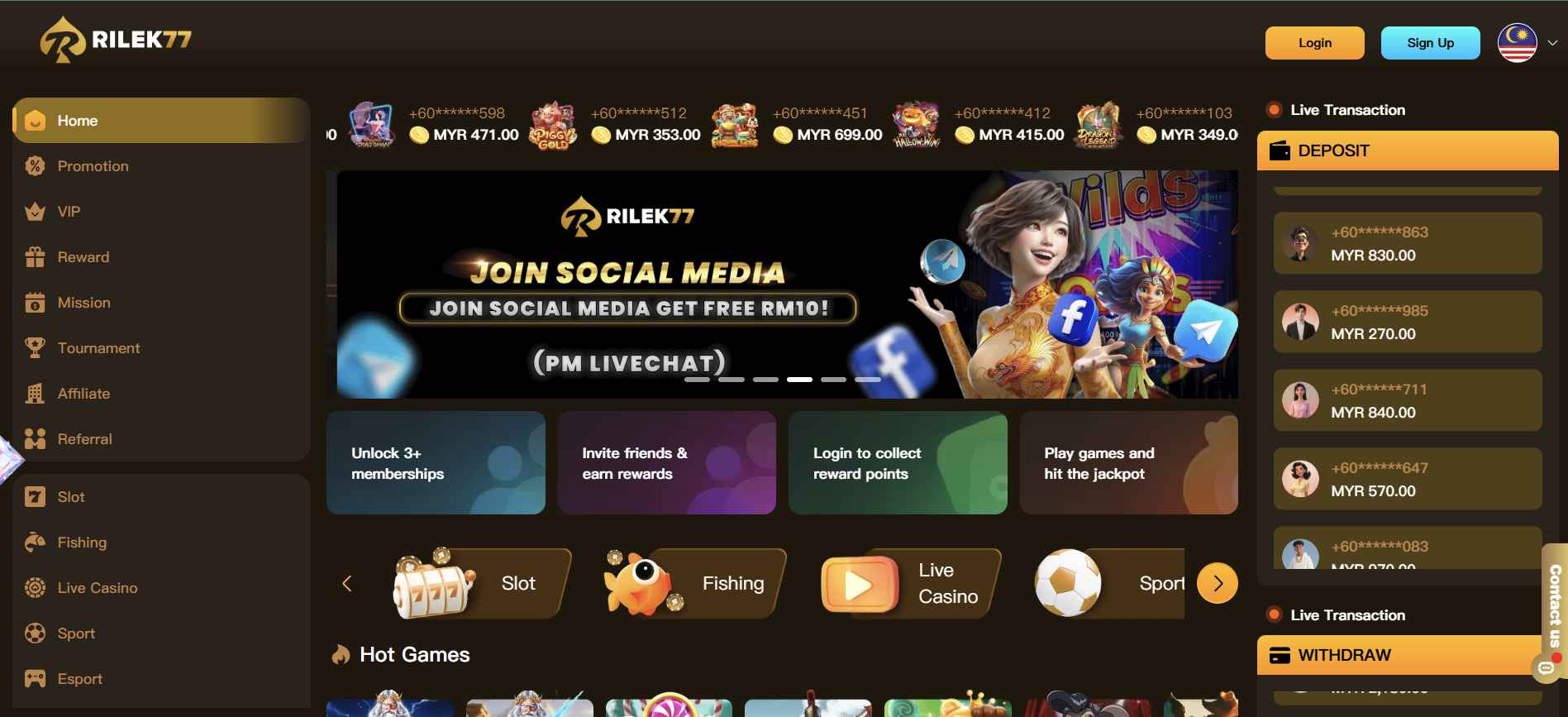
RILEK77 Verification at a Glance
| Verification item | Information |
|---|---|
| Purpose | Confirming identity, age, payment ownership and account protection |
| When requested | At registration, deposit, withdrawal, or during a security review |
| Common documents | Government ID, proof of address, proof of payment |
| Submission method | Verified account page or an official support channel |
| Withdrawal impact | Usually must be completed before a first withdrawal is released |
| Support channel | Live Chat or WhatsApp |
| Last verified | 2 August 2026 |
Who May Need to Complete Verification?
- Opening a new account
- Making a first deposit or withdrawal
- Changing registered account details
- After a suspicious login
- For high-value transactions
Can RILEK77 Be Used Before Verification?
You can usually browse, deposit and play before verification is complete. Withdrawals are the point where it becomes mandatory.
Is Verification Free?
Yes. RILEK77 does not charge to verify an account. Any request for a verification fee is a scam.
What Is RILEK77 KYC Verification?
KYC, or Know Your Customer, is the regulated identity check that ties a real person to an account. It exists to prevent fraud, underage gambling and payment abuse.
Why RILEK77 May Request KYC
- To confirm your legal identity and age
- To confirm the payment method belongs to you
- To meet anti-fraud and licensing obligations
- To protect your balance if the account looks compromised
KYC Versus Account Security Checks
KYC confirms who you are. A security check confirms it is still you using the account, and is triggered by unusual activity such as a login from a new device or country.
KYC Versus Payment Verification
KYC verifies your identity. Payment verification separately confirms the bank account or e-wallet is registered in your own name. Both may be requested.
When Does RILEK77 Ask for Verification?
- During registration: mobile and email confirmation at sign-up.
- Before a first withdrawal: the most common trigger, and the one that holds up payouts.
- After changing account details: a new bank account, phone number or email starts a fresh check.
- After a suspicious login: an unrecognised device or location prompts re-verification.
- For high-value transactions: larger amounts may need source-of-funds evidence.
Documents Needed for RILEK77 Verification
Being ready with the right documents makes verification quick. Here is the checklist, followed by what each type must show.
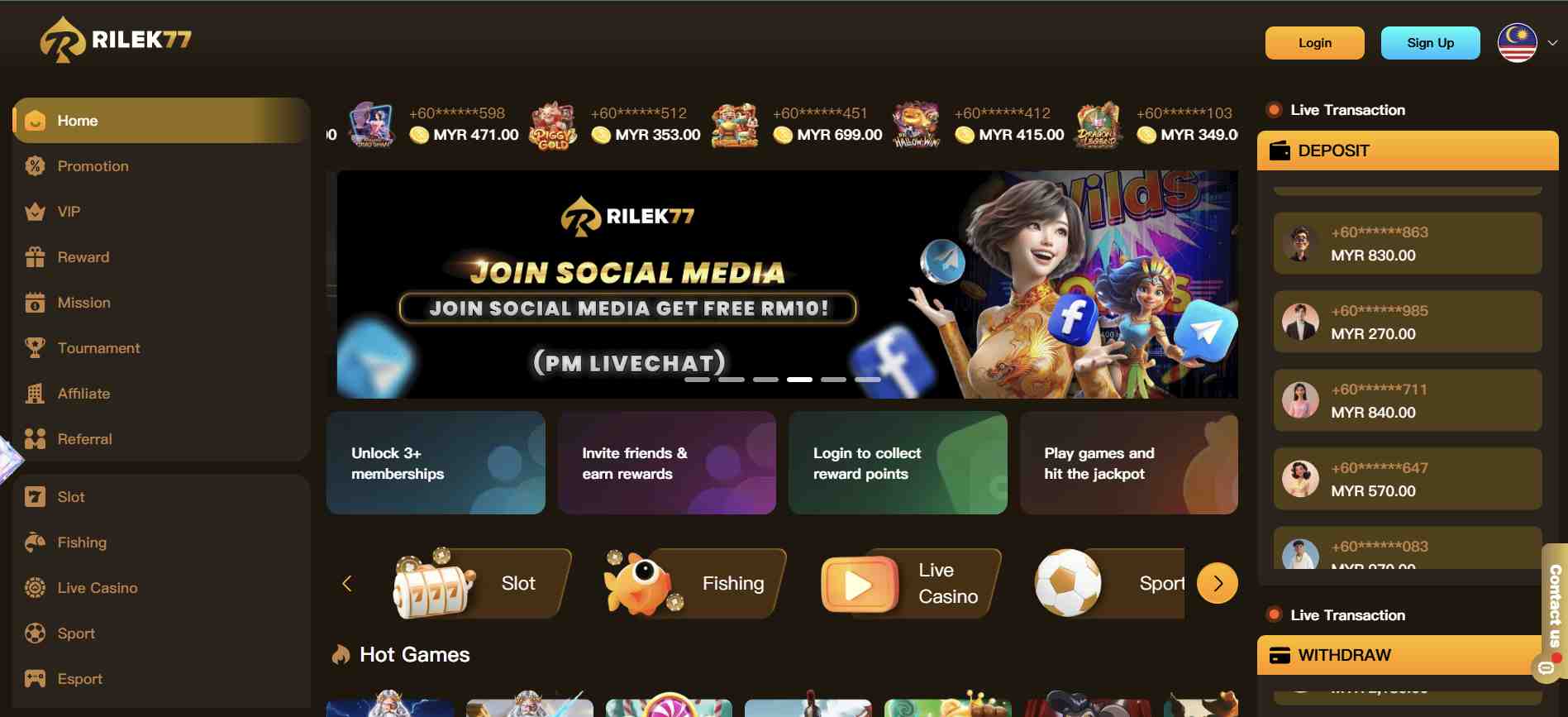
Proof of Identity
- MyKad: front and back in full colour, so the photo, ID number and birth date are legible.
- Passport: the full page in frame with details sharp.
- Driving licence: both sides, every corner visible.
- Other government photo ID: unexpired, in colour rather than black and white.
The document must be current, complete and easy to read. A blurry or cropped upload is the single most common reason a check is rejected.
Proof of Address
- Utility bill for electricity, water or gas
- Bank statement showing your address and issuing bank
- Government correspondence with a visible date and issuer
- Internet or telephone bill
- Official residential document
Most documents are only accepted if issued within the past three months, so use your latest copy.
Proof of Payment Ownership
- Bank statement carrying your name and account
- Online banking profile screenshot
- E-wallet profile showing your name
- Deposit receipt
- Transaction reference
Share these only through the official site or verified support. Never send financial details through unofficial WhatsApp numbers, social-media messages, or unknown upload links.
Selfie or Liveness Verification
- A selfie holding your identity document beside your face
- A live camera scan
- A liveness check such as blinking or turning your head
- A handwritten note with the date and your username
Additional Documents
- Name-change proof
- Marriage certificate
- Replacement ID
- Source of funds
- Extra transaction proof
- Signed declaration
These are not routine and depend entirely on your circumstances.
How to Verify a RILEK77 Account
- Check your registered information. Confirm your name, date of birth and address match your documents exactly before uploading anything.
- Prepare clear document images. Full colour, all four corners visible, no glare, nothing cropped.
- Open the verification section. Log in and go to the account or verification page.
- Upload the requested documents. Match each file to the correct document slot.
- Submit and save the confirmation. Keep the reference number shown after submission.
- Monitor the verification status. Check your messages for approval or a request for more information.
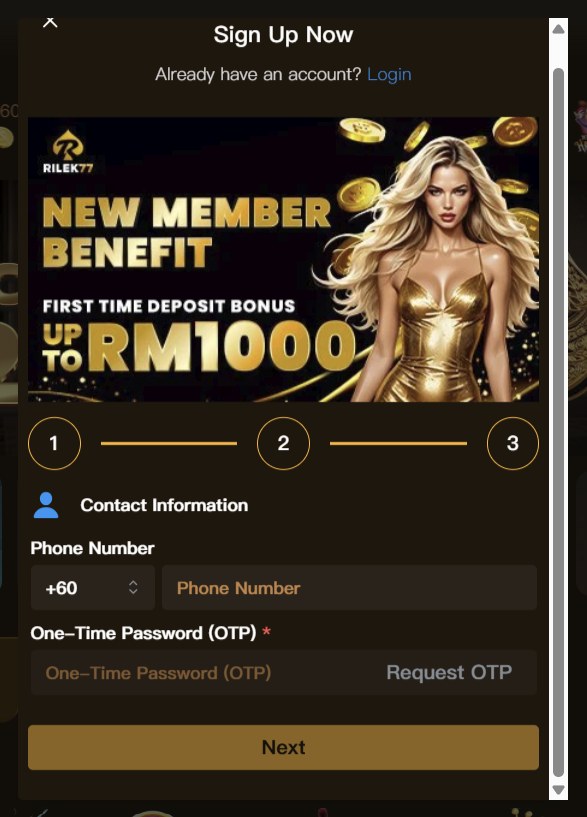
How Long Does RILEK77 Verification Take?
Standard processing is usually quick once documents are received. A manual review or a request for an extra document adds time.
Why Verification May Take Longer
- Documents are unclear or incomplete
- Details do not match your registered information
- An address document is outside the accepted date range
- A manual review is queued behind other requests
- Additional payment-ownership evidence is needed
What to Do When Verification Is Still Pending
- Check your account messages for an outstanding request.
- Confirm every uploaded document was accepted, not just submitted.
- Wait for the published review window.
- Avoid uploading duplicates, which restarts the queue.
- Contact support with your verification reference.
RILEK77 Verification Failed or Rejected
Rejections nearly always trace to one specific cause:
- Blurry or unreadable documents: resubmit a sharp, full-colour photo.
- Expired identity document: use a current one.
- Account name does not match the document: contact support to correct your legal name.
- Address does not match: submit a recent document from the accepted list.
- Payment name does not match: provide ownership proof for the account.
- File format or size not accepted: convert to an accepted format and retry.
- Verification link expired: request a fresh official link and open it promptly.
- Duplicate accounts detected: only one registered account is permitted.
How to Resubmit Verification Documents
- Read the exact rejection reason in your account messages.
- Fix that specific issue rather than resubmitting the same file.
- Retake the photo in good light with all corners visible.
- Confirm the document is current and matches your registered details.
- Upload through the official portal and save the new reference.
RILEK77 Withdrawal Verification
Verification is required before a first withdrawal is released. Documents typically requested at this stage are a government ID and proof that the receiving payment account is yours.
Why a Withdrawal May Remain Pending After KYC Approval
- Bonus turnover is still outstanding
- The receiving account is newly added and under ownership review
- A separate security review is running
- The payment provider is delayed on their side
Can Users Deposit and Withdraw Under Different Names?
No. The payment account must be held in the registered player name. A mismatch stalls the withdrawal until ownership is proven.
How to Avoid Verification Delays
- Complete KYC before you request your first payout
- Use a payment account in your own name from the start
- Keep your registered address document current
- Clear any outstanding turnover before requesting a withdrawal
RILEK77 Mobile Number and Email Verification
How to Verify a Mobile Number
- Open account settings and select the mobile number field.
- Request an OTP.
- Enter the code before it expires.
- Save the confirmation.
OTP Not Received
- The registered number is incorrect
- Weak signal or carrier blocking
- The code expired before entry
- The daily OTP request limit was reached
Confirm the number is correct and request a fresh code. If it still fails, contact support.
How to Verify an Email Address
Open the confirmation email sent at registration and click the verification link. Request a new one from account settings if it has expired.
Changing a Registered Mobile Number or Email
Contact official support. They will confirm your identity before applying the change, which is a deliberate security step.
RILEK77 Login Protection
Create a Strong Password
- At least 12 characters
- A mix of upper and lower case, numbers and symbols
- No reused passwords from other sites
- No names, birthdays or phone numbers
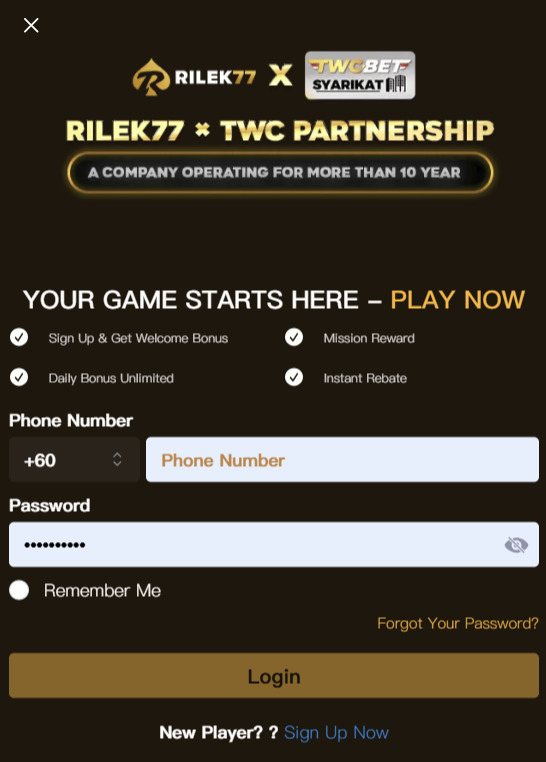
Recognising the Official Login Page
Always start from rilek77.eu.com. Check the spelling character by character and confirm the padlock in your browser before entering credentials. Bookmark the official login page rather than relying on search results or messages.
Protecting an Account on a Shared Device
- Never save the password in a shared browser
- Log out fully rather than closing the tab
- Clear the browser cache after use
- Avoid public Wi-Fi for account access
What to Do After a Suspicious Login
- Change your password immediately.
- Review recent transactions for anything unfamiliar.
- Check that registered payment details have not been altered.
- Contact support and report the incident.
How RILEK77 Protects Verification Data
Verification documents are collected to confirm identity, age and payment ownership, and to meet licensing obligations. Access is limited to staff handling your review. See the Privacy Policy for the full data handling terms.
How to Submit Documents Safely
- Upload only through the official logged-in portal
- Never send documents through unofficial WhatsApp numbers or social media
- Mask your full account number and balance where they are not required
- Never share your password or OTP with anyone, including staff
RILEK77 Verification Scams and Fake Support
Warning Signs of a Fake Verification Request
- A fee is requested to complete verification
- Urgency or threats about account closure
- Contact from a number or account not listed on the official site
- A link to a domain that is not rilek77.eu.com
- A request for your password, full OTP or remote access
Information Support Should Never Request
- Your account password
- Your banking password or PIN
- A full OTP code
- Remote-access codes
- Cryptocurrency transfers to unlock an account
What to Do After Sending Documents to a Scam Account
- Change your RILEK77 password immediately.
- Change your banking and email passwords.
- Contact your bank and report the exposure.
- Report the incident to official support with evidence.
- Monitor your accounts for unfamiliar activity.
RILEK77 Account Locked or Suspended
Common Reasons an Account May Be Locked
- Repeated failed login or security checks
- Duplicate accounts detected
- Verification documents could not be confirmed
- Suspected unauthorised access
- A breach of the promotion terms
How to Unlock an Account
- Use the official account recovery flow
- Contact support with your username and reference
- Supply any documents requested to confirm identity
- Allow the review window before following up
How to Appeal a Suspension
Raise a formal complaint through official support, attach your earlier references and screenshots, ask for a senior agent, and request an expected resolution timeframe.
RILEK77 Verification Troubleshooting Table
| Problem | Likely reason | Recommended action |
|---|---|---|
| Verification pending | Under manual review | Check your messages and wait for the published timeframe |
| Document rejected | Uploaded image is unclear | Resubmit a sharp, full-colour photo |
| Name mismatch | Account details differ from the ID | Contact support to correct your legal name |
| Address rejected | Proof is outdated or incomplete | Submit a recent document from the accepted list |
| OTP not received | Number or carrier issue | Confirm the number and request a fresh code |
| Bank verification failed | Account holder name does not match | Provide ownership proof or contact support |
| Upload error | File format or size unsupported | Convert to an accepted format and retry |
| Verification link expired | Security timeout closed the link | Request a new official link and open it promptly |
| Account locked | Repeated security checks failed | Use account recovery or contact support |
| Withdrawal pending | Extra checks still running | Review your KYC, turnover and payment details |
RILEK77 Verification Checklist
Run through this before you submit, so your account clears on the first try.
- Account name matches the identity document
- Date of birth is correct
- Identity document is still valid
- All four document corners are visible
- Text and photograph are clear
- Address document meets the date requirement
- Payment account is in the registered name
- File type and size are accepted
- Submission goes through an official channel
- Confirmation reference is saved
- OTP and password stay unshared
How to Contact RILEK77 About Verification
Live Chat sits on the official website and is the fastest route to an agent, available around the clock. Keep your username and verification reference ready.
WhatsApp is listed among the official support channels. Find the number on the website itself and save it only from that source, since scammers set up lookalike accounts.
Email support@rilek77.eu.com for detailed issues, with a clear subject line. Never include your password or OTP.
Information to Include
- Username
- Registered mobile number or masked email
- Verification reference
- Submission date
- Current account status
- The exact error message
- A screenshot with passwords and OTPs hidden
Full channel details are on the customer service page and the contact page.